School Management Software in Nigeria: 12 Features to Check Before You Pay

Every proprietor knows the week. Exams end, and the school goes into overdrive: teachers typing scores into Excel, someone recalculating averages and positions, report cards printed and stamped late into the night, and the office phone ringing with parents asking, “Has the result come out?” Then the bursar’s figures and the bank alerts refuse to agree.
School management software in Nigeria is supposed to fix this. Some does. A lot of it just moves the chaos onto a screen. If you are choosing a school portal in Nigeria, here is what to check before you pay a kobo.
In one sentence: the right school portal should produce report cards in your format, track fees from cash, POS and transfer in one place, tell parents the same day their child is absent, and run on your own domain with your data under your control.
Why Nigerian schools need software built for how they actually work
Many school systems are designed abroad, around card payments and a single grading style. Nigerian schools are different. Fees come in by bank transfer, POS and cash. Report cards have CA1, CA2 and exam columns, positions, teacher remarks, a proprietor’s signature and a stamp. Nursery classes are assessed differently from SS2. Parents may be in Lagos traffic, in Abuja or abroad. The software has to fit all of that, not force you to change how your school runs.
12 features to check before you choose a school portal
Results and report cards
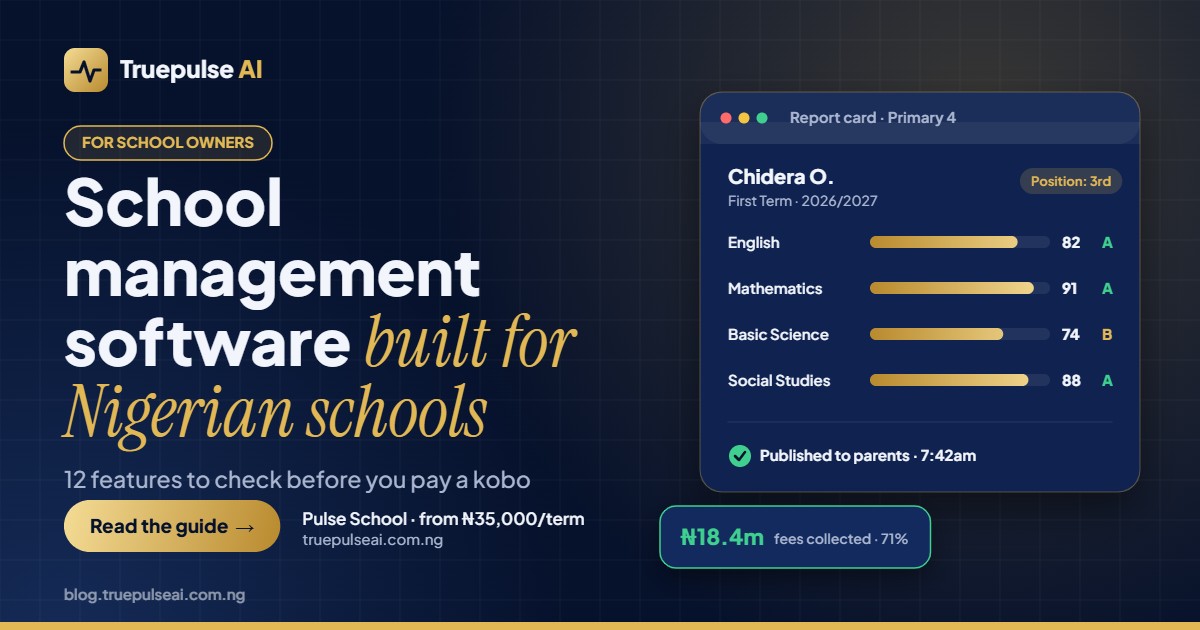
- Your own report card template. Parents know your card. Ask whether the vendor will rebuild your exact layout, columns, remarks, colours, signature and stamp, rather than giving you a generic template.
- Automatic totals, grades and positions. Teachers should enter scores once. Totals, grades, class average and position should calculate themselves.
- Different layouts for different sections. Early years, primary and secondary often need different cards. Check this is supported.
- Locked results after publishing. Once results are released, a teacher should not be able to quietly change a score.
Fees and money
- Cash, POS and transfer in one ledger. If the system only understands card payments, it will not match how Nigerian parents pay.
- Transfer proof upload with bursar confirmation. Parents upload their receipt; the bursar confirms or declines. No more WhatsApp screenshots.
- Debtors list and reminders. You should see exactly who owes what, by class, without asking anyone.
- Money goes to the school’s own account. Avoid systems that collect fees on your behalf and pay you later.
Parents, attendance and admissions
- Same-day absence alerts. A teacher marks the register on a phone; parents get a message the same morning.
- A parent portal. Report cards, attendance, fees, receipts and notices in one login, so parents stop calling the office.
- Online admissions. An application form with document uploads and an application fee, with every applicant tracked.
- A proper school website on your own domain. Your brand, not the vendor’s, with news, gallery and contact pages you can edit yourself.
Questions to ask the vendor
| Question | Why it matters |
|---|---|
| Can I try a live demo with real-looking data? | Slides and videos hide problems. Clicking through as a teacher, bursar and parent does not. |
| Who owns the data, and can I export it? | If you leave, your pupil records and fee history must come with you. |
| Is it running in other schools today? | Ask for names. A system already used through a full term is far safer than one being built on your school. |
| How is pricing structured? | Per term, by school size, is how most Nigerian schools budget. Watch for hidden per-SMS or per-parent charges. |
| Who sets it up and trains staff? | Importing pupils and training teachers is where most rollouts fail. |
Don’t forget data protection
A school portal holds sensitive information about children: names, photos, results, health notes and parents’ contacts. Under the Nigeria Data Protection Act 2023, schools are responsible for how that information is collected, stored and shared, and children’s data deserves extra care. Ask your vendor where data is hosted, who can see it, how passwords are protected and whether every action is logged. This is general guidance, not legal advice; speak to a data protection professional for your school’s specific obligations.
What it typically costs
Pricing varies widely. Some vendors charge per pupil, others a flat termly fee by school size plus a one-off set-up. As one example, our own Pulse School starts from ₦35,000 per term for schools of up to 100 pupils, plus a one-off set-up fee from ₦250,000 that covers branding, installation, your report card template, importing pupils and parents, and staff training. Whatever you choose, compare the total cost over a full year, not just the set-up fee.
See it working first. Pulse School is already running at Channah Kiddies School and Daisy Montessori School. You can click through a full demo school as a proprietor, teacher, bursar, parent or student, with no sign-up. Explore Pulse School and its pricing →
Frequently asked questions
What is the best school management software in Nigeria?
The best one is the system that matches how your school already works: your report card format, cash/POS/transfer fees, a parent portal and same-day attendance alerts, on your own domain. Always test a live demo and ask which schools already use it.
Can parents check results online?
Yes. A good school portal lets parents sign in to view and download report cards as PDFs, plus attendance, fees and notices. Some schools choose to hold report cards until fees are cleared.
How long does it take to set up a school portal?
With your pupil and parent lists ready in Excel, a well-supported system can be live in about two weeks, including staff training.
Do we need an IT person to run it?
No. The vendor should handle set-up and training. After that, teachers and the bursar only need to know where to click.